Make

11,730 0 0

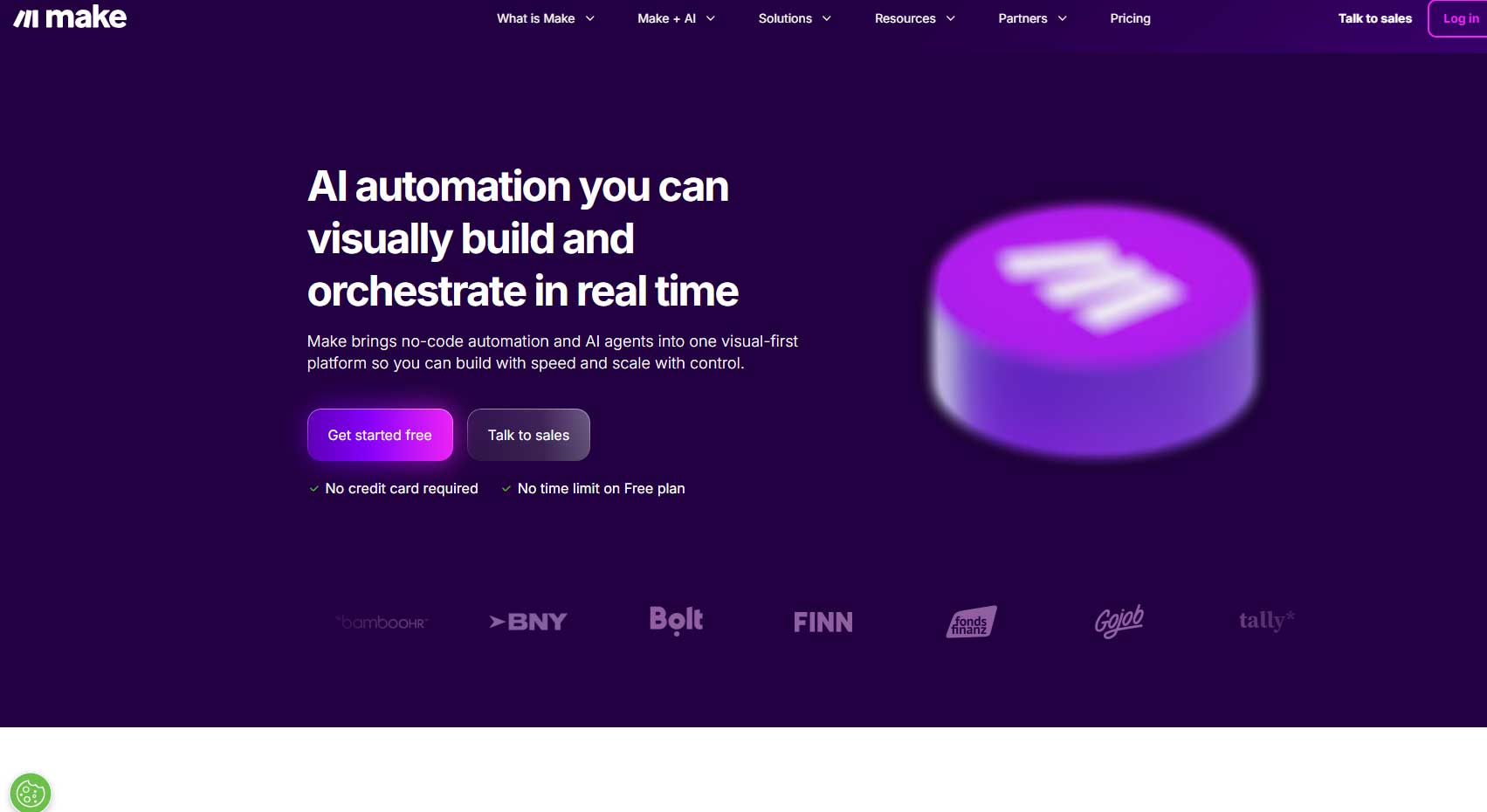
Make is an automation platform that enables users to connect apps and services to create custom workflows without coding.

Location:
US
Collection time:
2026-01-31

Introduction to Make

Make is a powerful visual automation platform that empowers individuals and businesses to connect their favorite apps and services. It allows users to build custom workflows, known as scenarios, that automate repetitive tasks and streamline complex processes—all without writing a single line of code. By acting as a digital glue between different tools, Make transforms how teams work, boosting efficiency and unlocking new possibilities for innovation.

Key Features

Make’s core strength lies in its intuitive and robust feature set designed for seamless automation:

  • Visual Scenario Builder: Drag and drop modules to design workflows in a clear, flowchart-like interface.
  • Extensive App Library: Integrate with thousands of popular applications like Google Workspace, Salesforce, Slack, and many more.
  • Flexible Data Routing: Route, filter, and transform data between apps using powerful tools like routers, filters, and data transformers.
  • Advanced Scheduling & Triggers: Launch workflows instantly based on events, or schedule them to run at specific intervals.
  • Error Handling & History: Built-in tools to monitor execution, handle errors gracefully, and review detailed logs for every scenario run.

Unique Advantages

What sets Make apart in the competitive automation landscape?

  • Unmatched Flexibility: Its multi-step scenarios allow for complex, branching logic that goes beyond simple one-to-one connections.
  • True No-Code Power: It provides advanced functionality typically reserved for developers, making it accessible to non-technical users.
  • Scalability: From simple personal tasks to enterprise-grade processes, Make scales to meet growing automation needs.
  • Cost-Effectiveness: By automating manual work, it significantly reduces operational costs and frees up valuable human resources for strategic tasks.

Who Can Benefit from Make?

Make is versatile and serves a wide range of users across various domains:

  • Marketing Teams: Automate lead capture, social media posting, and email campaign management.
  • Sales Professionals: Sync lead data between platforms, automate follow-up sequences, and update CRM records.
  • Project Managers & Operations: Streamline task assignments, notifications, and data reporting across tools.
  • Small Business Owners & Entrepreneurs: Automate back-office tasks, client onboarding, and e-commerce operations without a dedicated IT team.
  • IT & Developers: Extend system capabilities, create prototypes faster, and automate routine maintenance tasks.

Frequently Asked Questions (FAQ)

Do I need programming skills to use Make?
No. Make is designed as a true no-code platform. Its visual builder allows anyone to create automations through an intuitive drag-and-drop interface.

How is Make different from Zapier?
While both are automation tools, Make offers more granular control over complex, multi-branch workflows with its visual scenario editor, which is often compared to a flowchart. It is generally favored for more sophisticated process automation.

Is there a free plan?
Yes, Make offers a free plan with limited operations, which is perfect for testing and building simple automations.

Is my data secure on Make?
Make employs enterprise-grade security measures, including encryption in transit and at rest, to ensure your data and connections remain secure.

data statistics

Relevant Navigation

No comments

none
No comments...